
The Roku Casino app makes online gaming easy and fun for everyone with the mobile application. Available for free download for Android and for iPhone, it works smoothly on any device. With just a few taps, you can access a huge selection of games, including slots, blackjack, roulette, poker, and live casino tables.
The app is designed to be simple and user-friendly, so you can enjoy your favorite games without any hassle. Whether you’re in Portugal or anywhere else, you can explore exciting bonuses, safe payment options, and a regularly updated game collection on your mobile device.
Functionality of the Roku App
The Roku Casino app is packed with features designed to give players a complete and enjoyable mobile gaming experience. Here’s what you can expect:
- Real-Money Gameplay: Place real bets and win real money on your favorite casino games, from slots to live dealer tables. The app ensures secure transactions for a smooth and hassle-free experience.
- Free-to-Play Games: Try out games in demo mode without spending a penny. This feature is perfect for exploring new games or practicing your skills before wagering real money.
- Live Dealer Options: Bring the thrill of a real casino to your screen with live dealer games. Interact with professional dealers and other players in real time, making the experience even more exciting.
- Sports Betting Integration: The app also supports sports betting, allowing users to place bets on a variety of sports and events alongside their favorite casino games.
- Loyalty Programs and Rewards: Earn points and unlock rewards as you play. The app’s loyalty program offers exclusive bonuses, cashback deals, and special promotions for regular players.
Roku Casino Apps Download
Downloading the Roku Casino app is simple and fast, whether you use Android or iPhone. The app works perfectly on both devices, letting you enjoy all your favorite games like slots, live casino, and sports betting anytime, anywhere.
Just follow the steps below to download the app for your device and start playing right away!
How to Download the Roku Casino App for Android
The Roku Casino app offers a smooth experience for sports betting, live casino games, and live betting. Here’s a step-by-step guide to downloading the app on your Android device:
- Access the Official Website: Open your preferred browser and navigate to the Roku Casino official site.
- Find the Download Section: Tap on the menu icon, usually located in the top or bottom corner of the site.
- Choose the App Type: Look for the “Download Our Apps” section and select the app you want—options include Sports, Casino, or Poker.
- Initiate the Download: Confirm the download process by tapping on the provided download button.
Download the Roku Casino Android App
Once the download begins, wait for it to complete before proceeding with the installation. The process should only take a couple of minutes, depending on your internet speed.
Is the Roku Casino APK Available on Google Play?
No, the Roku Casino APK is not available on the Google Play Store. This is due to Google Play’s policy, which restricts gambling apps in certain regions. To download the app, you’ll need to visit the official Roku Casino website, where you can safely and easily access the APK file. Follow the instructions provided on the site to complete the download.
Roku Casino Android App Requirements
- Latest App Version: 23.05.02
- Android Version: 5.0 or higher
- Storage Space Required: 20 MB
- RAM Required: 512 MB or more
- Available on Google Play: Yes
The Roku Casino app is designed to work smoothly on most modern Android devices. As long as your smartphone runs Android 5.0 or newer and meets the minimal storage and RAM requirements, you’re good to go. The app’s lightweight design ensures compatibility across a wide range of devices.
How to Install Roku Casino Android App
If you’re downloading the Roku Casino app from the Google Play Store, installation is automatic. However, if you’ve downloaded the app directly from the official website, follow these steps to complete the installation:
- Locate the Roku Casino APK file on your device.
- Tap the file to launch the installation process.
- Hit the “Install” button when prompted.
- Enable the installation of apps from unknown sources in your device settings if necessary.
- Wait for a few seconds until the installation is complete.
How to Download the Roku Casino App for iOS
Roku Casino also offers a dedicated app for iOS users, designed to match the Android experience in functionality and usability. You can download the iOS app directly from the Roku Casino mobile website.
- Open the Roku Casino website on your browser (e.g., Safari).
- Tap the menu button and locate the “Download Our Apps” banner.
- Select the desired app type (e.g., Casino, Sports).
- Approve the download when prompted.
Download the Roku Casino iOS App
Is Roku Casino App Available on the Apple App Store?
No, the Roku Casino app is not available on the Apple App Store due to App Store policies regarding gambling apps. To download the app on your iOS device, you’ll need to visit the official Roku Casino website, where you can access the app safely and follow the provided steps for installation.
Roku Casino iOS App Requirements
- Latest App Version: 24.09.03
- Compatibility: iOS 15.0 or higher
- Storage Space Required: 225 MB
- RAM Required: 1 GB or more
- Available on the App Store: Yes
To use the Roku Casino iOS app, your device must run iOS 15.0 or newer. With a file size of 225 MB and minimal RAM requirements of 1 GB, the app is optimized for most modern Apple devices.
How to Install Roku Casino App on iPhone
If you’re installing the app via the Apple App Store, the process is straightforward:
- Search for the Roku Casino app in the App Store.
- Tap the “Get” button to start the download.
- Wait for the app to install automatically.
- Once installed, the app is ready to use.
If downloading from the mobile website, the steps are similar to the Android process—just follow the prompts to set up the app on your device.
How to Use the Roku Casino App
One of the standout features of the Roku Casino app is its intuitive interface, making it easy to navigate for both new and experienced users. Here’s a quick guide to getting started:
- Account Setup: Start by completing your Roku Casino registration if you haven’t created an account yet.
- Fund Your Account: Deposit funds into your account to access betting or gaming features.
- Navigate to Your Preferred Section: Choose from Sports, Casino, or other sections based on your interest.
- Place Bets or Play Games: For sports, select your discipline (e.g., football), choose matches, review odds, add selections to your bet slip, and confirm your wager. For casino games, simply pick a game and start playing.
Pro Tip: Leverage the statistics and analytics features within the app to research and improve your betting strategies. Additionally, use advanced features like the Bet Builder to customize your bets.
Roku Casino App Login and Registration
To access all features, registration is mandatory on the Roku Casino app. Here’s how to create an account:
- Tap the “Register” button on the app’s homepage.
- Select your country of residence from the dropdown list.
- Provide a valid email address and create a secure password.
- Enter your personal details, such as full name, date of birth, and phone number.
- Add your physical address and select your preferred currency.
Verification is required to activate your account. Upload a valid government-issued ID to confirm your identity. Without verification, you may face restricted access to some features.
Roku Sports Betting App
The Roku sports betting app combines functionality and design, offering a clean and responsive layout with no steep learning curve. The app features:
- Coverage of over 40 sports disciplines, including football, tennis, and horse racing.
- Access to popular leagues such as the UEFA Champions League, La Liga, and Major League Soccer (MLS).
- Advanced betting features like cash-out options, live betting, and a customizable Bet Builder.
Roku Casino Games on Mobile
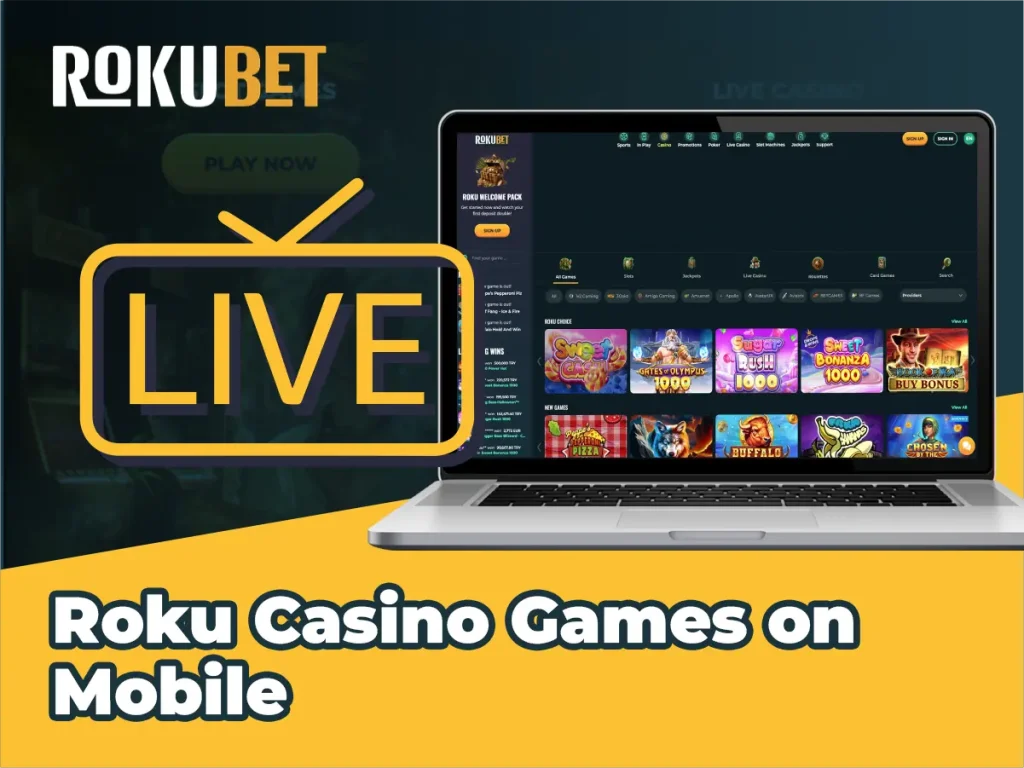
The Roku Casino app brings its extensive library of games to mobile with fast loading times and high-quality graphics. Categories include:
- Slots: Popular titles like Gates of Olympus, Big Bass Bonanza, and Book of Dead.
- Table Games: Classic options such as blackjack, roulette, and baccarat.
- Live Casino: Immersive live dealer games, including roulette, blackjack, and game shows.
- Jackpot Games: Daily Must-Go Jackpots and progressive jackpot slots for big wins.
Roku Casino App Features
The Roku Casino app is packed with features to enhance your gaming and betting experience:
- Cash-Out Option: Close your bets early to lock in profits or minimize losses. Available for single and multiple bets.
- Live Streaming: Watch live matches for select sports directly through the app, provided your account has a positive balance.
- Bet Builder: Customize multiple wagers on the same match using the Bet Builder feature.
- Enhanced Odds: Enjoy higher odds on selected events with the Special Odds feature, though only one boosted odd can be applied per bet.
- Demo Mode: Play casino games in demo mode to familiarize yourself with gameplay before wagering real money.
Roku Mobile Bonuses
Currently, Roku Casino does not offer a mobile-exclusive bonus. However, players can still claim regular Roku Casino bonus codes for both sports and casino promotions. Keep an eye out for updates, as new bonuses may be introduced in the future.
Roku Casino App Payment Methods
The Roku Casino app offers a comprehensive range of payment options, ensuring a smooth transaction experience for deposits and withdrawals. These methods include popular choices like Visa, MasterCard, Google Pay, Apple Pay, and Neteller, among others. The app mirrors the payment options available on the desktop site, maintaining consistency across platforms.
| Payment Method | Min Deposit | Max Deposit | Deposit Time | Min Withdrawal | Max Withdrawal | Withdrawal Time |
|---|---|---|---|---|---|---|
| Visa | $/€/£ 10 | $/€/£ 2000 | Instant | $/€/£ 10 | Varies | 3-5 days |
| MasterCard | $/€/£ 10 | $/€/£ 2000 | Instant | $/€/£ 10 | Varies | 3-5 days |
| Google Pay | $/€/£ 5 | $/€/£ 5000 | Instant | $/€/£ 5 | $/€/£ 5000 | 24 hours |
| Apple Pay | $/€/£ 10 | $/€/£ 2000 | Instant | $/€/£ 10 | $/€/£ 2000 | 24 hours |
| Neteller | $/€/£ 10 | $/€/£ 2000 | Instant | $/€/£ 10 | $/€/£ 50,000 | 2-6 hours |
| Skrill | $/€/£ 10 | $/€/£ 2000 | Instant | $/€/£ 10 | $/€/£ 10,000 | 24 hours |
| Trustly | $/€/£ 10 | $/€/£ 2000 | Instant | $/€/£ 10 | $/€/£ 10,000 | 2 days |
| PayPal | $/€/£ 10 | $/€/£ 2000 | Instant | $/€/£ 10 | $/€/£ 2000 | 24 hours |
| Instant Bank Transfer | $/€/£ 5 | $/€/£ 5000 | Instant | $/€/£ 10 | Varies | 3-5 days |
| Bank Wire Transfer | $/€/£ 10 | $/€/£ 2000 | Instant | $/€/£ 1000 | $/€/£ 2,000,000 | 3-5 days |
The minimum deposit starts at $/€/£ 5, depending on the method used. Withdrawal limits vary based on the selected payment option. Most deposits are processed instantly, while withdrawals may take anywhere from a few hours to several days, depending on the provider.
FAQ
Yes! The Roku Casino app is entirely free to download for both Android and iOS users. Be cautious of any third-party sources that claim otherwise.
No, it’s not mandatory! You can access the platform directly through the mobile-optimized site without downloading the app.
Yes, the mobile site offers a seamless experience similar to the app, with all the same features and functionalities.
It’s quick and easy—typically taking around 3 minutes or less for the entire process.
Absolutely! All promotions available on the desktop site can also be accessed via the mobile app or the mobile website. Simply head to the promotions section to view the full list.